

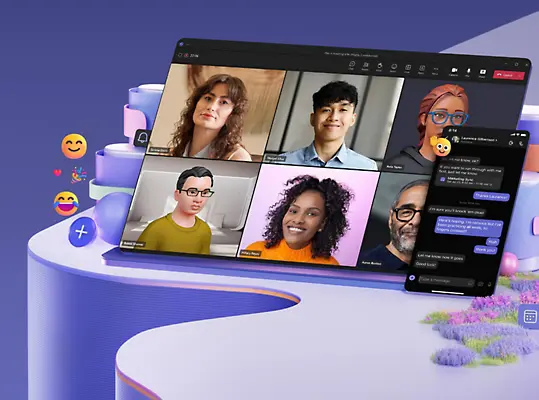

Effective meetings are essential for any successful team. Microsoft Teams offers a range of tools to help you run productive and engaging meetings. Here are some best practices to optimize your Teams meetings:
Planning and Preparation
- Create a Clear Agenda: Outline meeting objectives, topics, and expected outcomes beforehand. Share the agenda with attendees to ensure everyone is prepared.
- Assign Roles: Designate roles like note-taker, timekeeper, and facilitator to keep the meeting focused.
- Choose the Right Participants: Invite only essential attendees to avoid unnecessary distractions.
Meeting Conduct
- Start on Time: Respect everyone’s time by starting meetings promptly.
- Encourage Participation: Create a welcoming atmosphere where everyone feels comfortable sharing ideas.
- Utilize Features: Take advantage of Teams features like screen sharing, whiteboarding, and polls to enhance collaboration.
- Mute When Not Speaking: Reduce background noise and distractions by muting yourself when not actively contributing.
- Use Video: Whenever possible, use video to improve engagement and build rapport.
Follow-Up
- Document Key Points: Assign someone to take detailed notes and share them with attendees afterward.
- Assign Action Items: Clearly outline tasks and responsibilities to ensure follow-up.
- Set Next Steps: Determine the next steps and schedule follow-up meetings if necessary.
- Evaluate Meeting Effectiveness: Regularly assess meeting outcomes to identify areas for improvement.
By following these guidelines, you can transform your Teams meetings into productive and valuable sessions that drive results.