


Best Laptops Under ₹1 Lakh in India (2026): Top Picks for Working Professionals
Prices last checked July 2026 and may shift with festive sales, bank offers, and stock updates — always verify on the retailer’s page before buying.
If you’ve started shopping for a new laptop, you already know the feeling: fifty tabs open, forty “top 10” lists, and none of them agreeing with each other. The good news is that ₹1 lakh is genuinely the sweet spot in India’s laptop market right now. Cross it, and you’re paying for marginal gains. Stay under it, and you can still walk away with an OLED display, a 2026-generation AI-ready processor, 16GB of RAM, and all-day battery life — the exact combination a working professional actually needs.
We dug through spec sheets, price trackers, and hands-on reviews to shortlist eight laptops that are worth your money right now, not just the ones with the loudest marketing. Whether you live in spreadsheets, video calls, Figma, or all three, there’s something on this list for you.
Quick Comparison: Best Laptops Under ₹1 Lakh (2026)
| Laptop | Processor | RAM/Storage | Display | Price (approx.) | Best For |
|---|---|---|---|---|---|
| Apple MacBook Air (M4, 2025) | Apple M4 | 16GB/256GB | 13.6″ Liquid Retina | ₹97,900 | Best premium all-rounder |
| Lenovo IdeaPad Slim 5 Gen 10 | Ryzen AI 7 350 | 24GB/1TB | 14″ OLED | ₹94,599 | Best specs-for-money |
| Dell 14 Plus 2-in-1 | Ryzen AI 7 350 | 16GB/512GB | 14″ touch, convertible | ₹98,990 | Best 2-in-1 for hybrid work |
| ASUS Vivobook S14 | Core Ultra 7 255H | 16GB/512GB | 14″ FHD+ | ₹84,990 | Best balanced everyday laptop |
| Acer Swift 14 AI | Core Ultra 5 226V | 16GB/512GB | 14″ OLED | ₹89,999 | Best battery life |
| HP OmniBook 5 OLED | Snapdragon X | 16GB/512GB | 2K OLED | ₹61,990 | Best budget OLED / AI PC |
| HP Professional 14 | Core 5 120U | 16GB/512GB | 14″ FHD | ~₹60,000 | Best for business & security |
| Acer Aspire Lite 15 | 12th Gen Core i7 | 16GB/512GB | 15.6″ FHD | ₹63,450 | Best budget pick |
Now let’s get into the details of each.
1. Apple MacBook Air (M4, 16GB/256GB) — ₹97,900
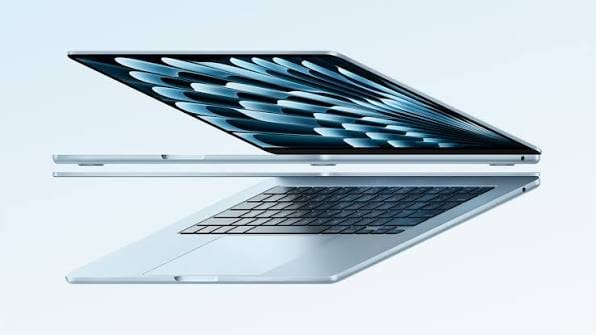
If you can stretch your budget just under the ₹1 lakh mark, the MacBook Air remains the safest, most future-proof buy in this segment. The M4 chip’s 10-core CPU and up to 10-core GPU handle everything from spreadsheet-heavy multitasking to light video editing without breaking a sweat, and Apple’s efficiency means you genuinely get close to a full workday — around 15-18 hours of real-world use — on a single charge.
The fanless design keeps it silent through long calls, and the 13.6-inch Liquid Retina display is one of the best panels you’ll find at this price. The only catch: 256GB of base storage is tight if you work with large files, and macOS still has a learning curve if you’re coming from Windows.
Best for: Professionals who want premium build quality, class-leading battery life, and don’t mind the macOS ecosystem.
2. Lenovo IdeaPad Slim 5 Gen 10 — ₹94,599
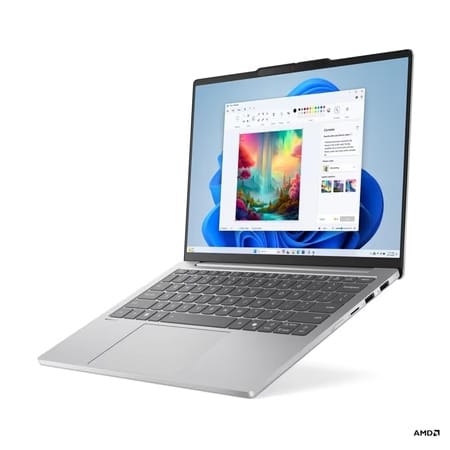
This is the laptop we’d point most working professionals toward if raw value is the priority. The Ryzen AI 7 350 processor is paired with a genuinely generous 24GB of RAM and a 1TB SSD — specs you’d usually pay a premium for. Add a 14-inch OLED display and an all-metal, MIL-STD-810H-tested chassis weighing about 1.15kg, and you’ve got a laptop that feels far more expensive than it is.
It’s built around AMD’s Zen 5 architecture with a dedicated NPU for on-device AI tasks, so it qualifies as a Copilot+ PC. The trade-offs are minor: no fingerprint sensor, and integrated graphics mean it isn’t the choice for gaming or serious rendering.
Best for: Professionals juggling dozens of browser tabs, large spreadsheets, and documents who want an OLED screen without paying OLED prices.
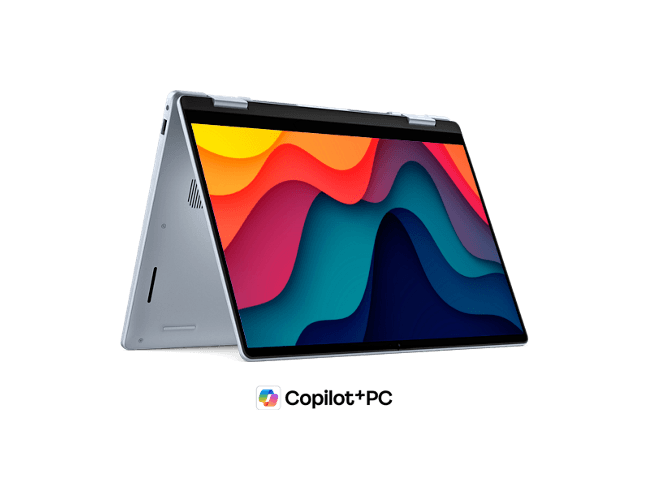
3. Dell 14 Plus 2-in-1 — ₹98,990
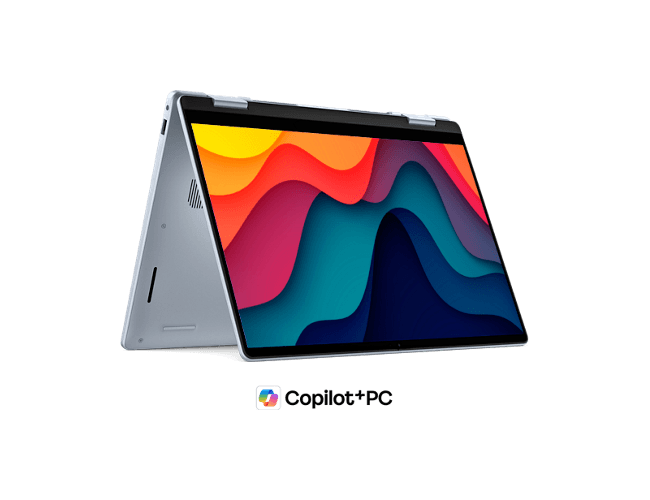
For hybrid workers who bounce between meeting rooms, planes, and coffee shops, the convertible form factor is genuinely useful — flip the screen flat for a client presentation or use it as a tablet for note-taking. Powered by the AMD Ryzen AI 7 350 chip with 16GB of RAM, it delivers reliable day-to-day performance and has earned strong marks for combining modern hardware with practical, real-world features.
Best for: Frequent presenters and traveling professionals who want touchscreen flexibility built in.
4. ASUS Vivobook S14 — ₹84,990
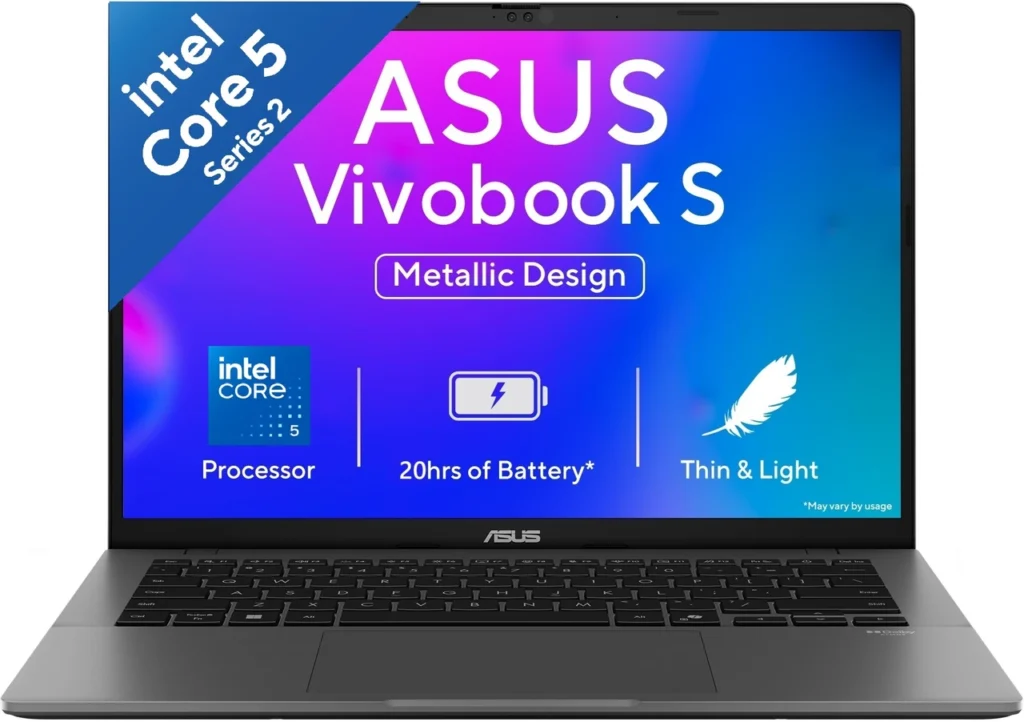
The Vivobook S14 is the “no drama” option on this list — it does everything well without asking you to compromise anywhere important. The Intel Core Ultra 7 255H processor, 16GB RAM, and 512GB SSD combination has been praised for excellent performance, strong battery life, and solid portability, backed by a sturdy build and USB-C charging support.
Its only real weakness is a screen that isn’t tuned for colour-critical work, so designers and photo editors might want to look elsewhere. For writers, analysts, marketers, and coders, it’s an easy recommendation.
Best for: Buyers who want dependable everyday performance at a lower price than the OLED options above.
5. Acer Swift 14 AI — ₹89,999
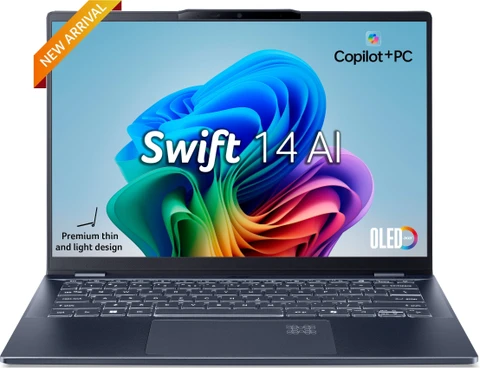
Acer’s Swift 14 AI leans into two things professionals care about most: screen quality and stamina. The vibrant OLED panel makes long report-reading and design-review sessions noticeably easier on the eyes, while the Intel Core Ultra 5 226V chip trades peak power for exceptional battery longevity — reviewers have specifically called out its standout endurance as the highlight of the machine.
It’s not the fastest multitasker in this list, but if “will it survive a full day unplugged” is your main question, this is a strong answer.
Best for: Professionals who work away from a charger for long stretches — think client visits, co-working spaces, or long commutes.
6. HP OmniBook 5 OLED — ₹61,990
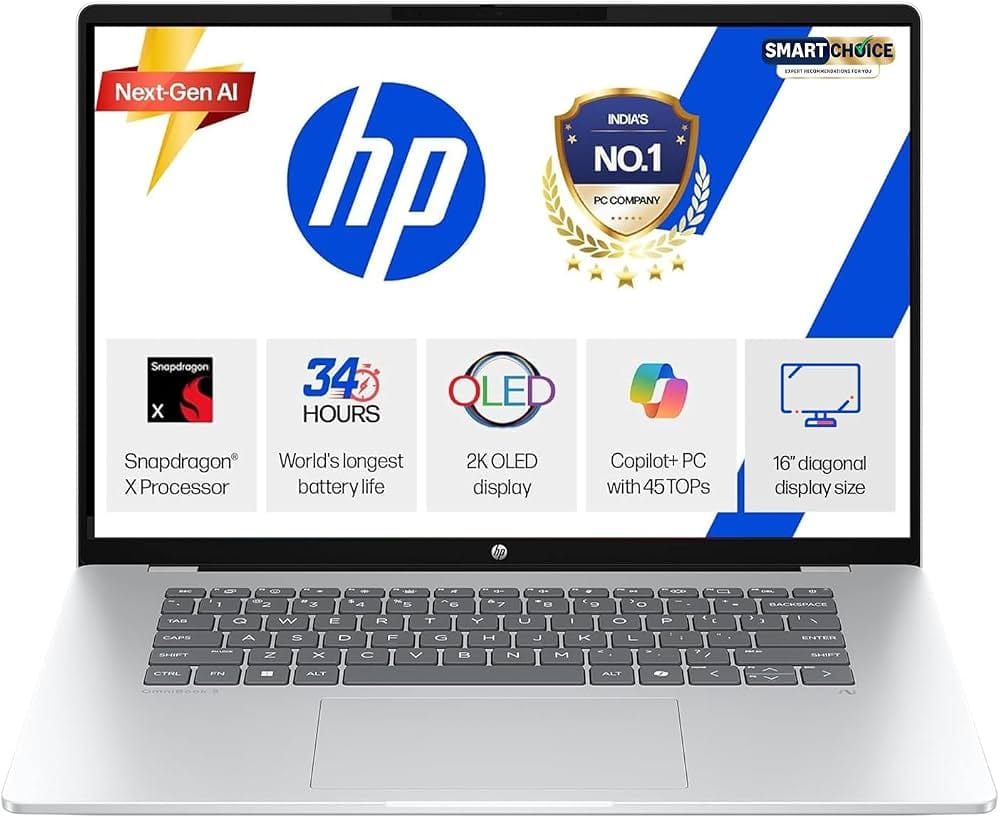
This is arguably the biggest surprise on the list. For under ₹62,000, you get a 2K OLED display, a Qualcomm Snapdragon X ARM processor with up to 47 TOPS of NPU power, a large 70Wh battery, and a year of Microsoft 365 Basic thrown in. At 1.35kg, it’s also one of the lighter machines here.
The catch is that it runs on ARM architecture rather than x86, so it’s worth checking that your specific software stack (certain legacy desktop apps, some VPN clients, niche industry tools) plays nicely before you buy. For most cloud-based, browser-first workflows, it runs without a hitch.
Best for: Budget-conscious buyers who still want a flagship-looking OLED screen and modern AI features.
7. HP Professional 14 — Approx. ₹60,000
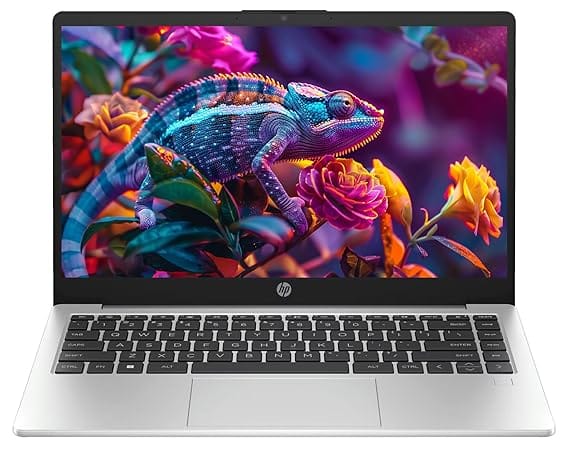
Sometimes you don’t want flash — you want a laptop that simply works, every single day, for years. The HP Professional 14 is built exactly for that brief. It runs on an Intel Core 5 120U chip with 16GB RAM and a 512GB SSD, weighs a manageable 1.4kg, and adds business-friendly extras like a spill-resistant backlit keyboard, a fingerprint scanner, and Windows 11 Pro out of the box.
Best for: IT-managed fleets, small business owners, and professionals who prioritise reliability and security features over benchmark numbers.
8. Acer Aspire Lite 15 — ₹63,450
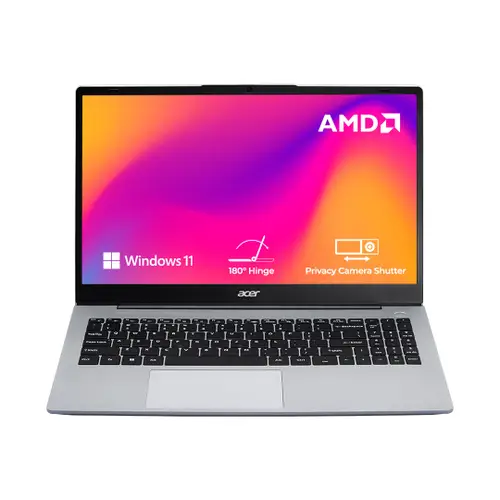
The Aspire Lite 15 is proof that you don’t need to spend big to get a genuinely usable machine for office work. A 12th Gen Intel Core i7, 16GB RAM, and a 512GB SSD on a 15.6-inch display cover the essentials comfortably — documents, spreadsheets, video calls, and browser-based tools all run smoothly.
Best for: Students turning professional and first-jobbers who want the largest screen and most RAM for the least money.
How to Choose the Right One for You
If your work is mostly documents, spreadsheets, and video calls: any laptop with 16GB RAM and a Core Ultra 5 / Ryzen AI 7 / M4 chip on this list will comfortably outlast your workday. Don’t overspend chasing specs you won’t use.
If you spend hours staring at the screen: prioritise the OLED options (Lenovo IdeaPad Slim 5, Acer Swift 14 AI, HP OmniBook 5) — the contrast and colour accuracy genuinely reduce eye strain over long sessions.
If you travel constantly: weight and battery life matter more than raw power. The MacBook Air, Acer Swift 14 AI, and HP OmniBook 5 OLED are all under 1.4kg with strong battery figures.
If your company issues security compliance requirements: the HP Professional 14’s fingerprint scanner and Windows 11 Pro make procurement conversations easier.
RAM is non-negotiable: across every category, 16GB is now the realistic minimum for a laptop you want to keep for 3-4 years without it feeling sluggish. Several picks above go even further, offering 24GB as standard.
Frequently Asked Questions
Is ₹1 lakh enough for a good work laptop in 2026? Yes. This budget now comfortably covers 2025-2026 generation processors (Intel Core Ultra, AMD Ryzen AI, Apple M4, Snapdragon X), 16GB+ RAM, and OLED displays — specs that used to require spending well over ₹1.2 lakh just a couple of years ago.
Should I choose Windows or macOS for professional work? If your workplace tools are Windows-only (certain ERPs, VPNs, or legacy software), stick with Windows. If you’re mostly working in the browser, Google Workspace, or Adobe/Microsoft’s cross-platform apps, the MacBook Air is an excellent, low-maintenance choice.
Is a Snapdragon (ARM) laptop like the HP OmniBook 5 safe to buy? For most modern, cloud-based, or browser-first workflows, yes — app compatibility has improved significantly. If you rely on specific legacy desktop software, check compatibility before buying.
Do I need a dedicated graphics card for office work? No. None of the laptops on this list have discrete GPUs, and none need them for spreadsheets, presentations, video calls, or general productivity. If you also do heavy video editing or 3D work, that’s a different shopping list entirely.
The Bottom Line
For most working professionals, the Lenovo IdeaPad Slim 5 Gen 10 offers the best mix of specs, display quality, and price right now. If you want the safety and polish of Apple’s ecosystem, the MacBook Air (M4) is worth stretching your budget for. And if you’re being careful with money, the HP OmniBook 5 OLED proves you don’t have to give up a great screen to stay well under budget.
Whichever you pick, remember that prices in this segment move fast — bank offers, festive sales, and generational refreshes can shift the value equation within weeks, so it’s worth a quick price check right before you check out.